
ElevenLabs
Connect an ElevenLabs account you already have and use it inside Roxybit for voice cloning and for importing voices you’ve made there. Because it uses your ElevenLabs API key, that usage is billed by ElevenLabs on your account — not by us.
Connect your API key
Section titled “Connect your API key”-
Open Settings → Integrations.
-
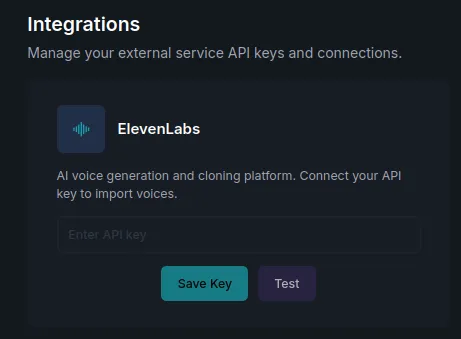
On the ElevenLabs card, paste your API key.
-
Press Save Key, then Test to confirm it works.
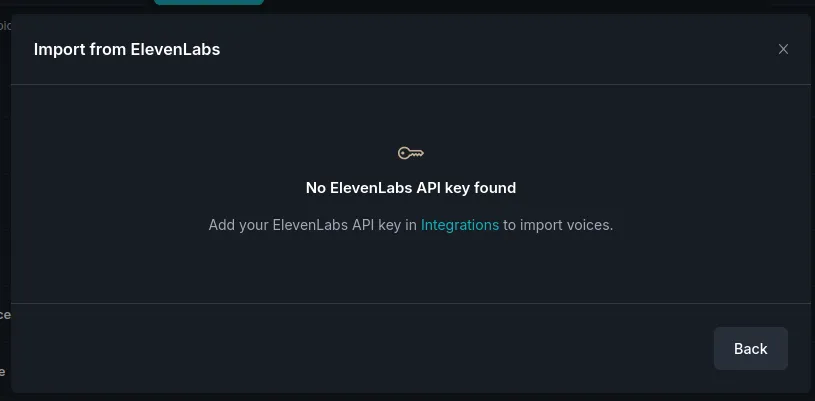
Without a valid key, the ElevenLabs options elsewhere in the app point you back here.
What it enables
Section titled “What it enables”-
Clone with ElevenLabs — when cloning a voice, pick ElevenLabs as the voice engine (see Voices → Clone a voice).
-
Import from ElevenLabs — bring voices you already have in ElevenLabs into your Roxybit voice library instead of recreating them.
Related
Section titled “Related”- Voices — where the connection is used.
- Integrations overview.